The Penrow demo
60 seconds- 0:00–0:05
What it is. “Invoicing for freelancers and small studios,” over the app's dashboard.
- 0:05–0:25
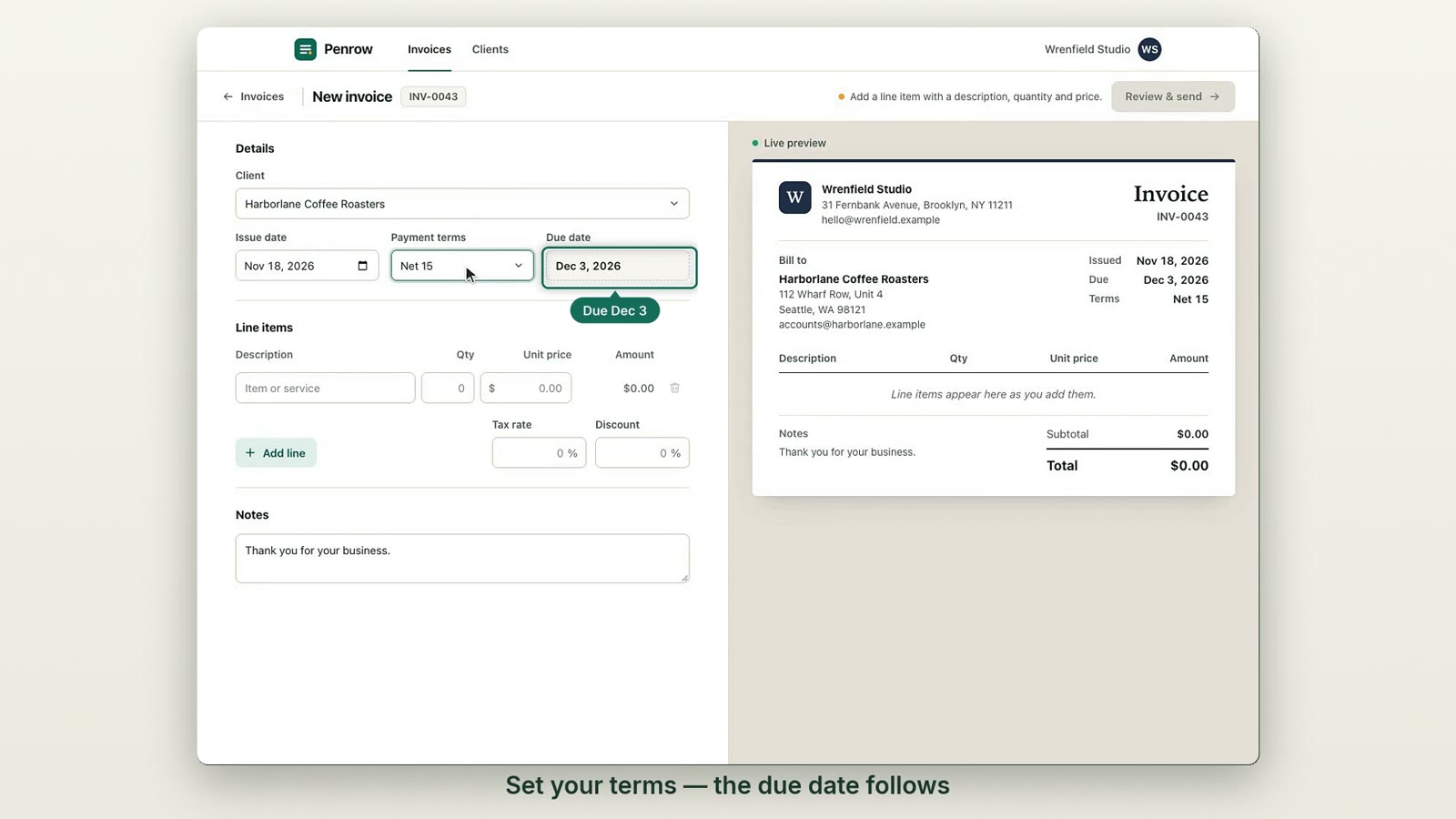
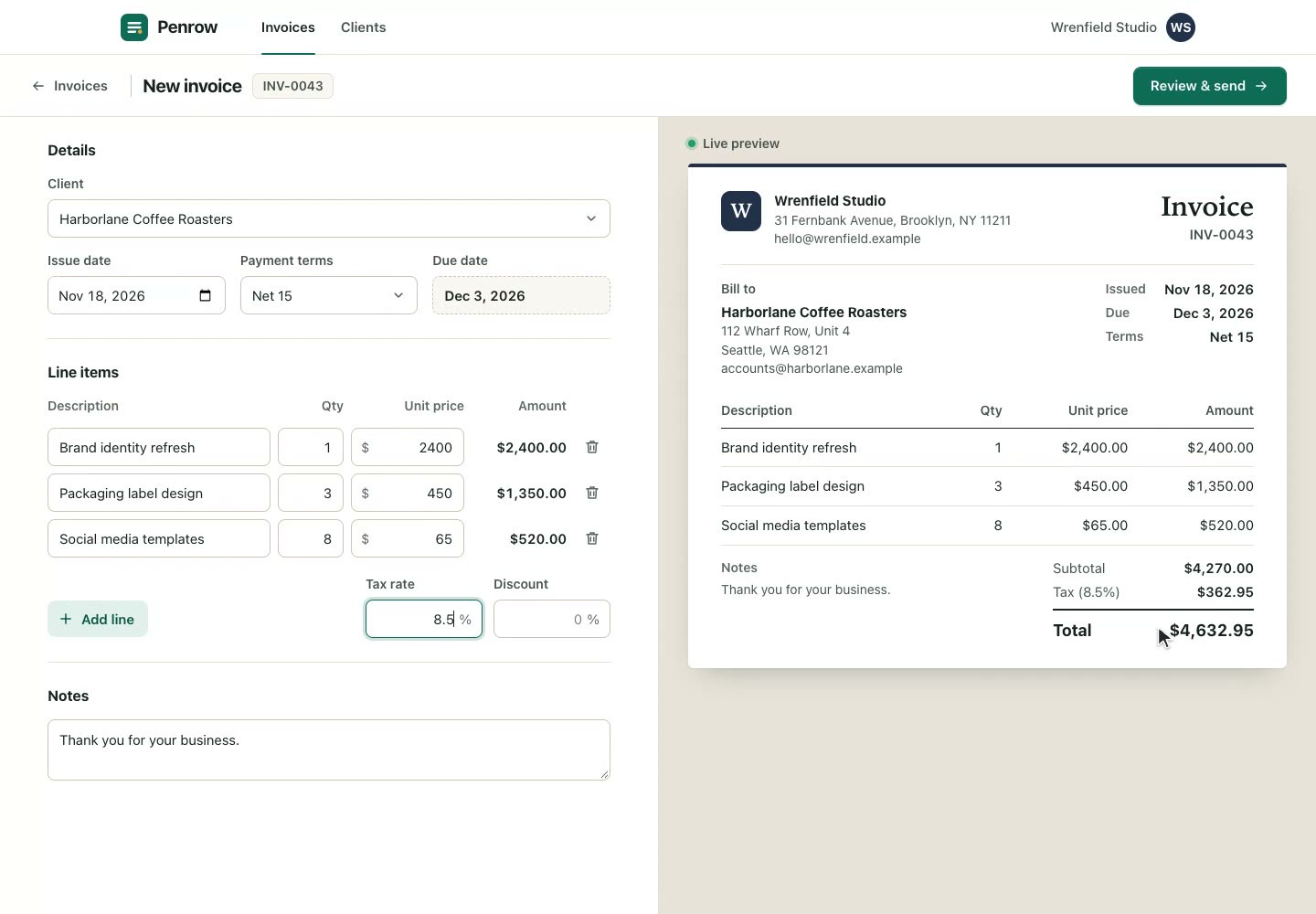
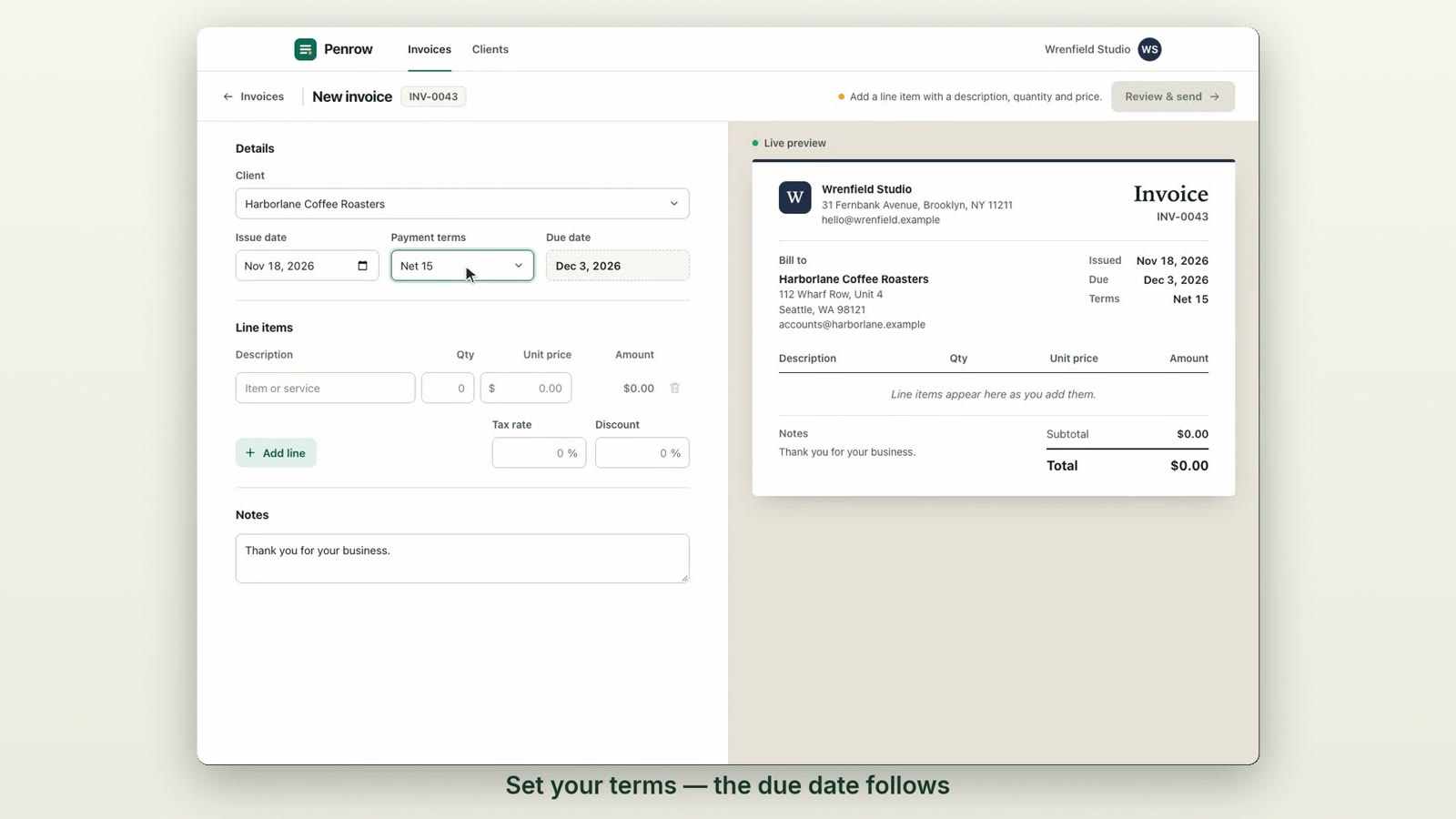
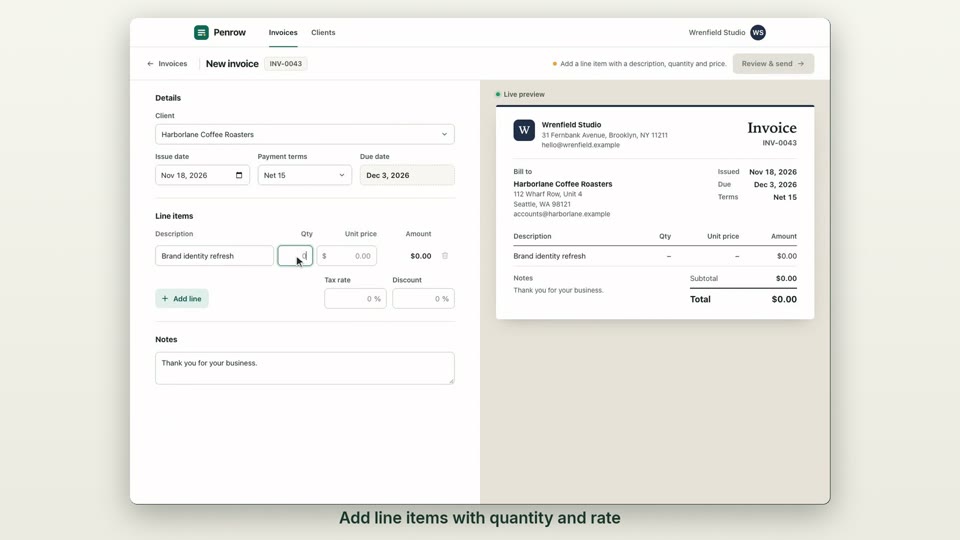
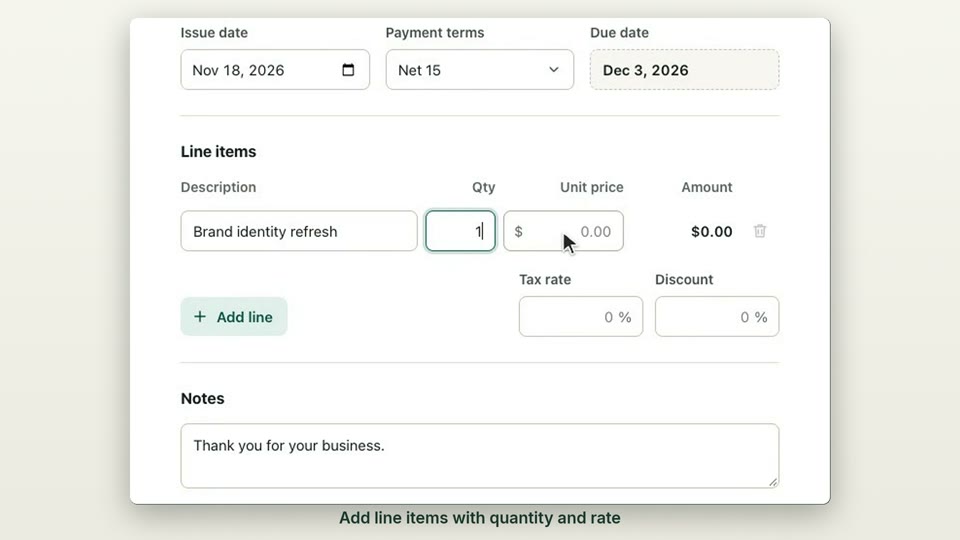
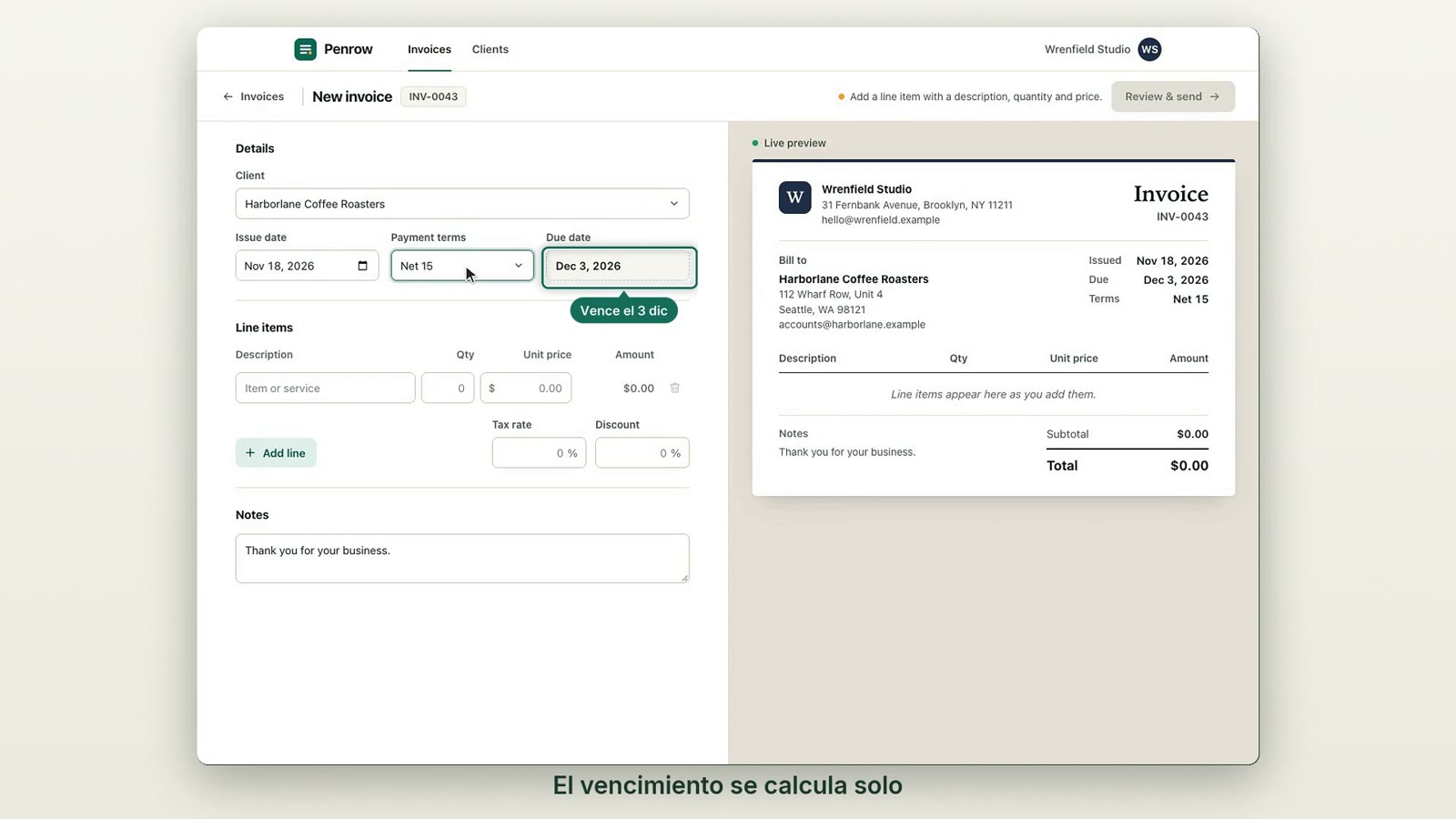
Create an invoice. Pick a client, set the terms, add three line items and the tax. The captions say what each step does: “the due date follows”, “every row updates the total”.
- 0:25–0:45
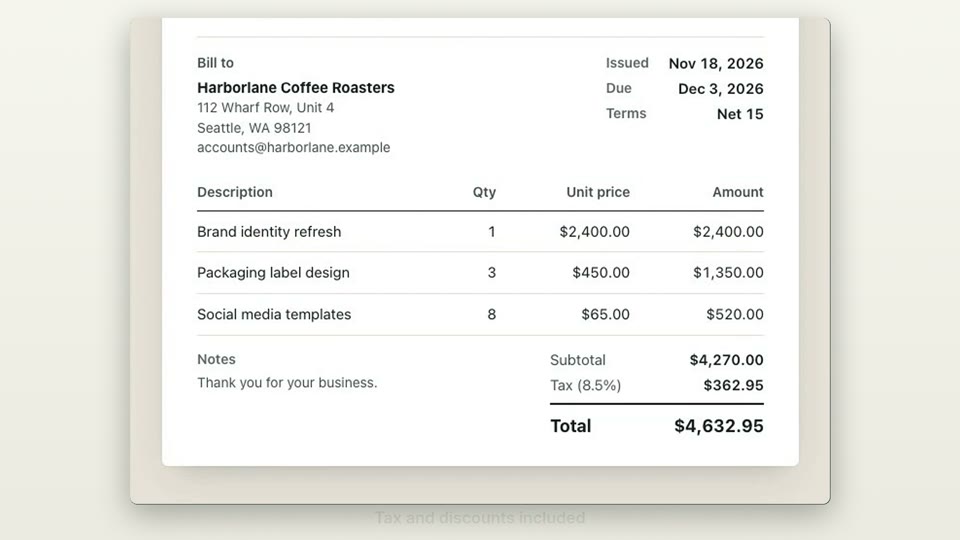
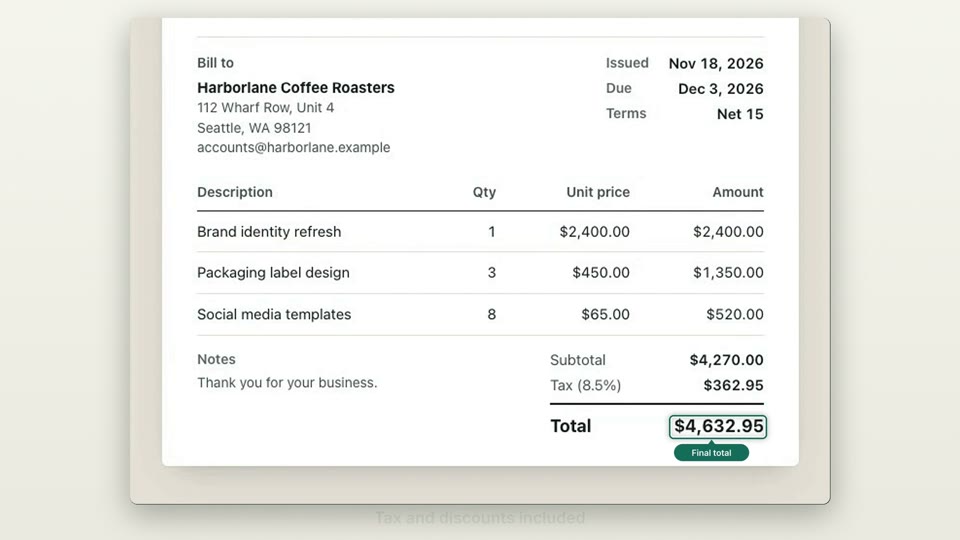
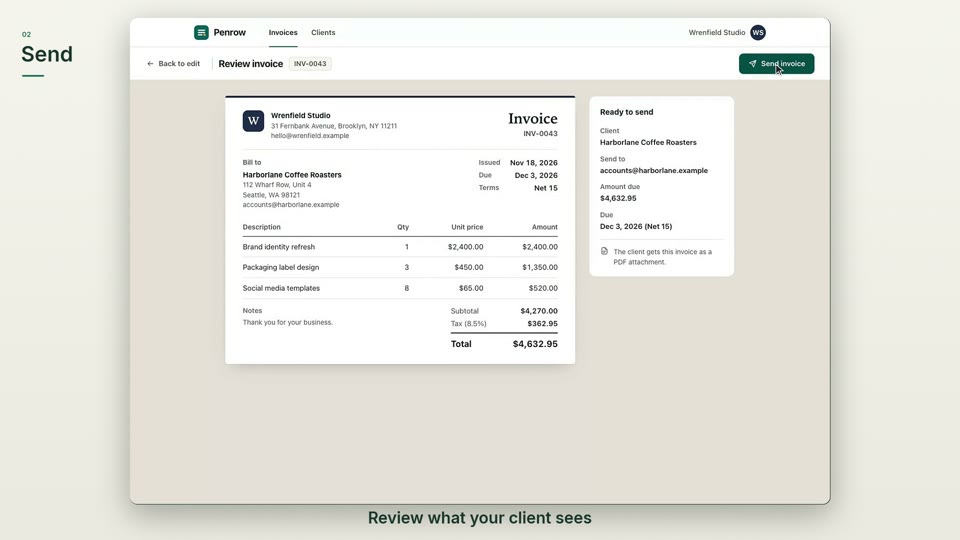
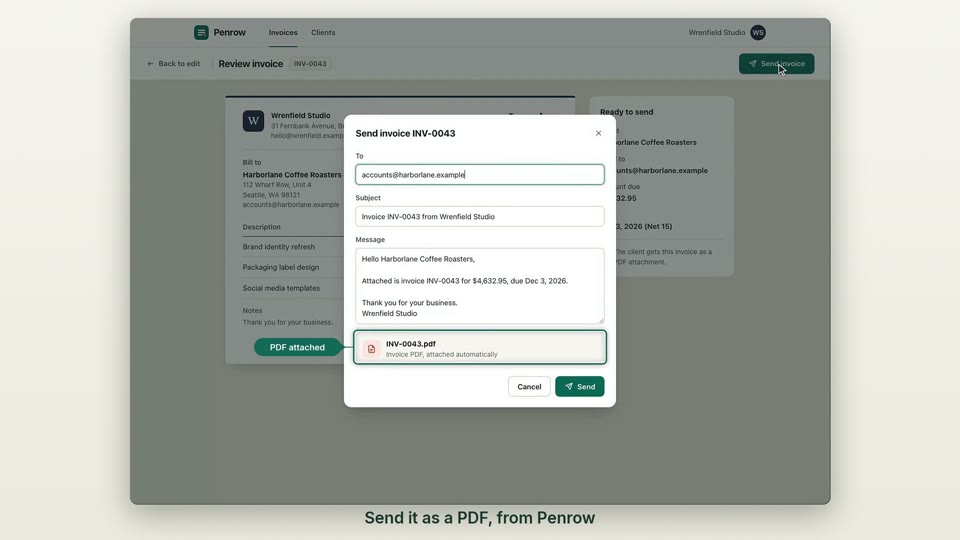
Send it. Review what the client sees, then send it as a PDF from the app. The new invoice shows Sent.
- 0:45–0:54
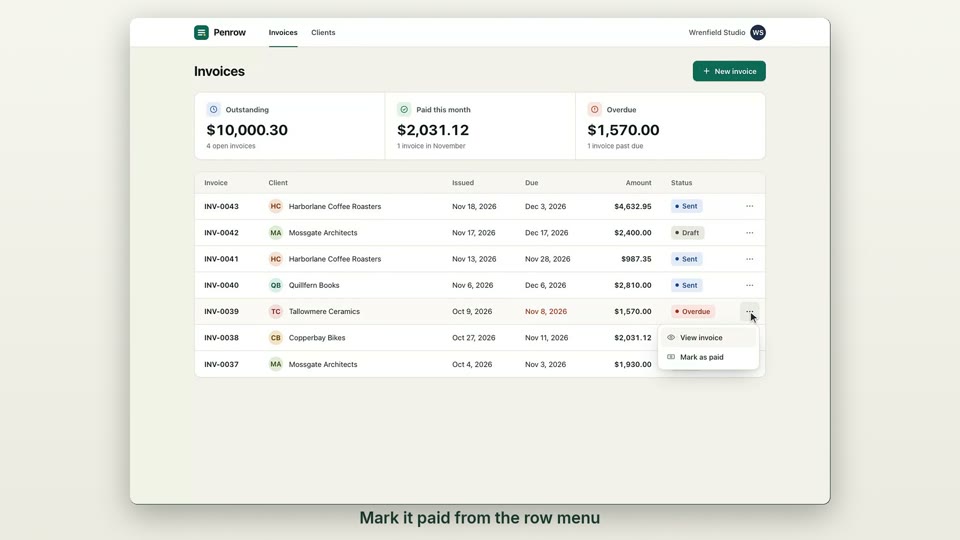
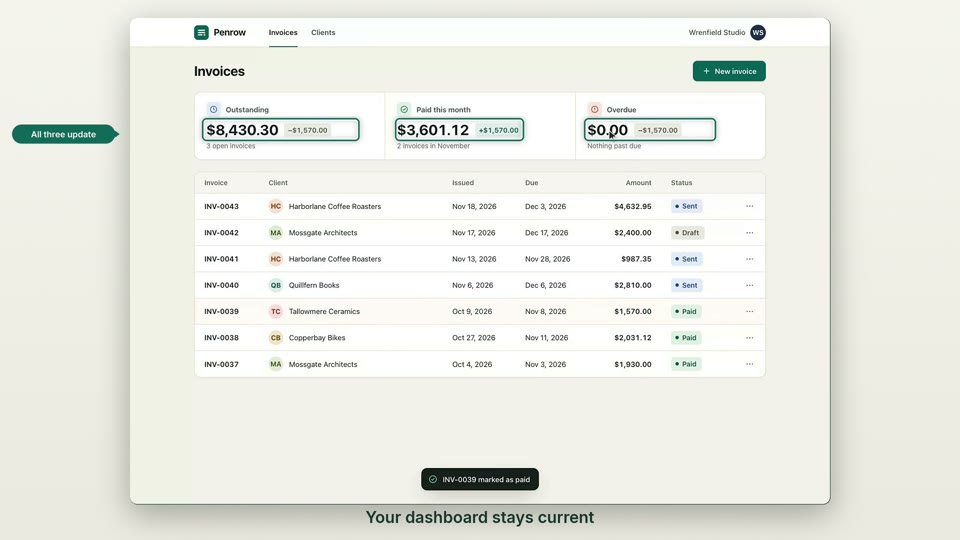
Get paid. Mark an older invoice paid from the row menu, and the three totals on the dashboard update.
- 0:54–1:00
The name again. The logo and the opening line, on an end card.