Logo animation maker
Animate your own logo, piece by piece
Upload your logo and say what you want in a sentence. Vividemo takes the file apart and animates each piece, so the logo on screen is your file, not a redrawn copy. Ask for changes the same way.
500 free credits when you sign up. No watermark on the videos you export.
- Made from
- One PNG
- and one sentence
- Length
- 5 seconds
- 1920 × 1080, with sound
- Changes asked for
- 2
- done in 8 and 4 minutes
- Credits
- 23
- ≈ $0.23, changes included
On this page
How it works
Upload your logo
A PNG or an SVG. This is the file behind the film above: a 1600 × 520 PNG with a transparent background.
Say what you want
One sentence is enough. Name the length, the shape and where it will play; ask for a style if you have one in mind.
What we wrote “Animate this logo into a 5-second intro for the start of my videos. 16:9.”
Ask for changes
Reply with what to change. We asked for a faster build and a transparent version, then for sound. Each came back in minutes.
See both changes
Your logo, exactly
A generative video model redraws every frame, which is how letter shapes, colors and proportions drift. For the intro above, the logo never went through one. Vividemo cut the uploaded PNG into 15 layers (the dark plate, the five colored pieces, the sparkle and the eight letters) and moved those layers. What you see at the end is the file.
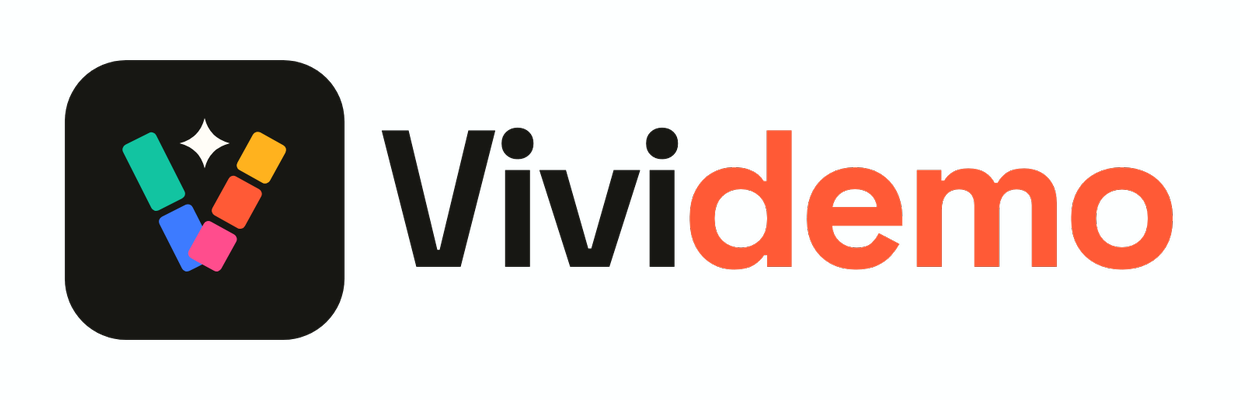
We lined the file up with the last frame of the 1920 × 1080 video and compared them part by part, for the intro and for the icon animation further down, which was built from the shapes in an SVG.
| Measured | Intro, from a PNG | Icon, from an SVG |
|---|---|---|
| Position of each part | within 0.46 px | within 0.09 px |
| Shape overlap with the file | 99.69% | 99.81% |
| The same logo as a still image, encoded the same way | 99.87% | 99.91% |
| Color difference (ΔE) | 1.7 at most | 1.13 at most |
| Letter spacing | within 1 px | no letters |
The overlap falls short of 100% because of video compression: a still image of the same logo, encoded the same way, scores almost the same as the animation.
Three logo animation examples
One logo, three requests, made on . Each started from one file and the sentence quoted here. The logo is our own. For other kinds of video made with Vividemo, see all examples.
A 5-second intro
The request “Animate this logo into a 5-second intro for the start of my videos. 16:9.”
The file was cut into 15 layers and each one was given its own entrance. This is the film after the two changes described below.
- Uploaded
- PNG, transparent background
- Length
- 5 seconds
- Credits
- 8.80 for the first version, 22.61 with both changes
- Files
- MP4, transparent MOV, WAV
How it builds, piece by piece
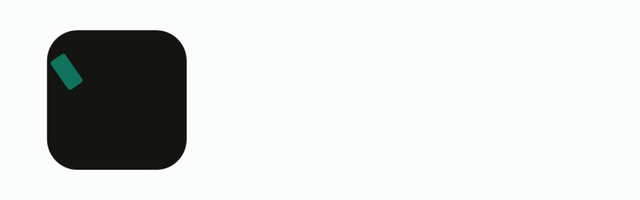
0.05–0.5 s The dark plate scales up and fades in.
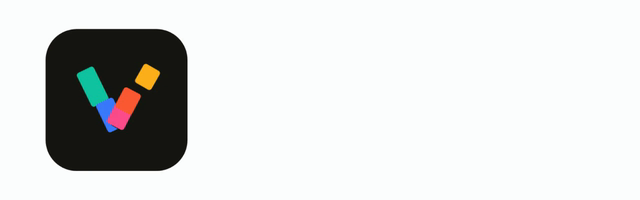
0.25–0.9 s The five colored pieces snap into the V, one after another.
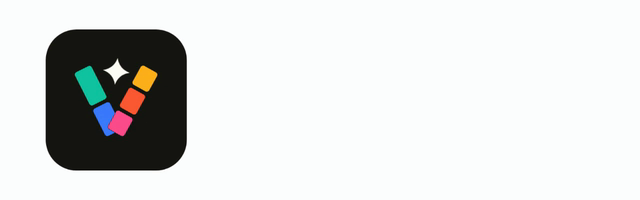
0.75–1.15 s The sparkle pops in with a turn.
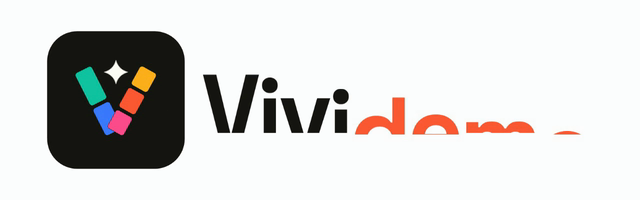
0.95–1.95 s The wordmark rises letter by letter.
from 1.9 s The full logo holds to the end; the sparkle twinkles once at 2.8 seconds.
A 3D reveal
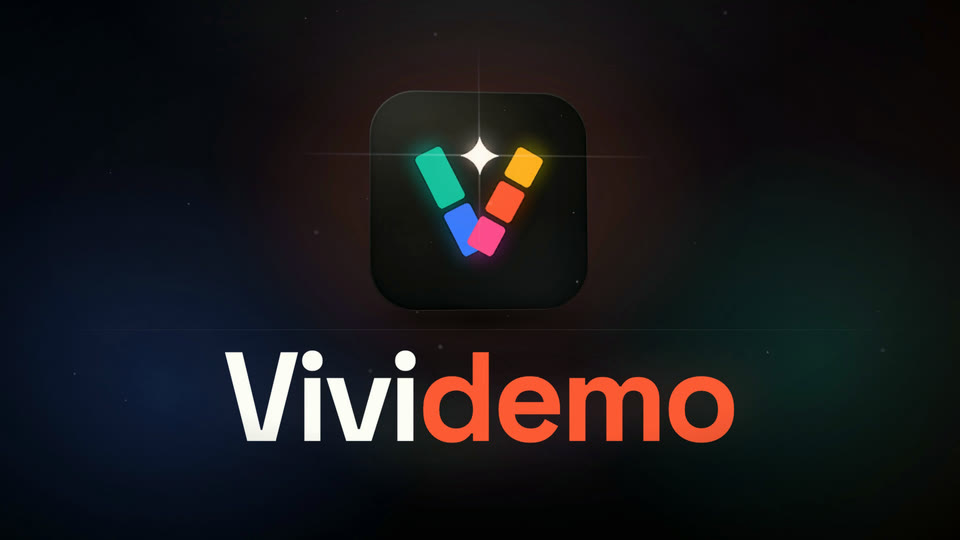
The request “Make a 3D, cinematic logo reveal from this logo. About 6 seconds, 16:9.”
On a dark stage, the mark flies in from depth as a 3D tile, lands under a sweep of light and a flare, and the wordmark rises beneath it. “Vivi” is in the logo's off-white so it reads on the dark background.
- Uploaded
- The same PNG
- Length
- 6 seconds
- Credits
- 9.79
- Files
- MP4
An icon, from an SVG
The request “Animate this logo. 5 seconds, 16:9.”
The five pieces spring in from the sides one at a time, each turning into its place in the V. Then the sparkle pops in with a ripple, and a light passes across the mark.
- Uploaded
- SVG
- Length
- 5 seconds
- Credits
- 5.09
- Files
- MP4
The SVG behind the icon animation.
Change it by asking
The first version of the intro took 3.5 seconds to put the whole logo on screen. We wanted it there sooner, and we wanted a version to lay over footage. Then we wanted sound. Two messages:
What we wrote “Two changes: make the build faster so the full logo is on screen by about 2 seconds and holds to the end, and also give me a version with a transparent background that I can lay over my footage.”
The full logo is on screen at 1.9 seconds instead of 3.5, and holds to the end. A second file has the same animation on a transparent background.
What we wrote “Add sound to the faster version: a soft whoosh as the pieces come together and a gentle chime when the logo lands. Keep it short and subtle.”
A soft whoosh while the pieces come together and a chime as the last letter lands, mixed into the MP4 and delivered again as a separate WAV. Turn the sound on in the film at the top of this page to hear it.
Files you get
These are the three files the intro project delivered. Each of the three animations came as an MP4; the MOV and the WAV came when we asked for a transparent background and for sound.
| File | Format | Use it for |
|---|---|---|
| MP4 | H.264, 1920 × 1080, 30 fps | Plays in video editors, on websites, in social posts and in slides. With sound if you asked for it. |
| MOV with a transparent background | ProRes 4444 with an alpha channel, 1920 × 1080, 30 fps | Lay it over your own footage in a video editor. |
| WAV | 48 kHz stereo | The sound on its own, to mix yourself. |
What it costs
The five jobs on this page, as billed. Credits are metered usage, not a fixed price: these jobs were built and rendered by the agent itself, with no image, video or sound model called.
| Job | Credits | In dollars |
|---|---|---|
| 5-second intro, first version | 8.80 | $0.09 |
| Change: faster build and a transparent version | 8.95 | $0.09 |
| Change: sound | 4.86 | $0.05 |
| 3D reveal | 9.79 | $0.10 |
| Icon animation | 5.09 | $0.05 |
| All five | 37.49 | $0.37 |
Dollar amounts use the base rate of 100 credits per $1. New accounts get 500 free credits once their email is verified; the intro with both changes used 23. Exported videos have no watermark. See pricing for plans and credit packs.
What a made-to-order service lists
Logo Animators animates logos to order. Its pricing page lists one logo animation video at “$23 USD” with a “24-96 HOUR TURNAROUND”, as we read it on (https://logoanimators.com/pages/pricing). That is their price, not ours.
Where to use it
- Video intros and outros
- Cut the MP4 in at the start or end of a video. In the intro on this page the full logo is on screen in two seconds and stays there.
- Over your footage
- Put the transparent MOV on a track above your video, at any size and in any corner.
- Websites
- Play the MP4 as a muted loop, the way this page does.
- Social posts and presentations
- Post the MP4 as it is, or drop it on a title slide.
Logo animation FAQ
Will AI change my logo?
Not when the animation is built from your file, as the intro and the icon on this page were. Vividemo cut the uploaded file into layers and moved those layers; the logo never went through an image or video model. In both finished videos every part of the logo sits within half a pixel of where it is in the file. See the comparison.
What file should I upload?
A PNG or an SVG. The intro and the 3D reveal on this page started from a 1600 × 520 PNG with a transparent background, and the icon animation from an SVG.
Is it free?
There's no free plan, but new accounts get 500 free credits once their email is verified. The logo animations on this page used 5 to 10 credits each, and exported videos have no watermark. When the free credits run out, buy a pack from $10 or subscribe; see pricing.
Can I get a transparent background?
Yes. Ask for one and you get a ProRes 4444 MOV with an alpha channel, which a video editor can lay over your footage. See the files.
Do I need animation skills?
No. You say what you want in plain words; each of the three examples on this page came from one sentence. Vividemo plans the motion, builds it and renders the video.
Can I use the animation commercially?
Vividemo doesn't claim ownership of the videos it makes for you. Whether you can use one commercially depends on the AI models and music used, their licenses and how you plan to use it; the logo animations on this page used no image, video or music model. You also need the rights to the logo you upload. Our terms list the licenses that apply.
Animate your own logo
Upload a PNG or an SVG, say what you want in a sentence, and ask for changes until it's right. New accounts start with 500 free credits; the intro on this page used 23, changes included.