About Doc2Lang
Doc2Lang is an AI document translator built around one promise: the translated file keeps the original layout. Word styles, multi-column PDFs, PowerPoint speaker notes, Excel formulas and charts, EPUB books, and styled subtitles come back in another language, still in place. It works with more than 20 file formats and over 100 languages, and reads scanned pages with built-in OCR.
The challenge: a small team with a visual product
Small software companies rarely have someone on staff who makes videos. Hiring an agency means paying for a whole team — a writer, a designer, an animator, an editor, a voice — and that is usually out of reach for an early-stage product. At the same time, more and more people would rather watch a short video than read a page of features to understand what a website does.
For Doc2Lang the gap was even wider. “Keeps your layout” is something you have to see. The founders wanted a video that explains their features, without becoming video producers themselves.
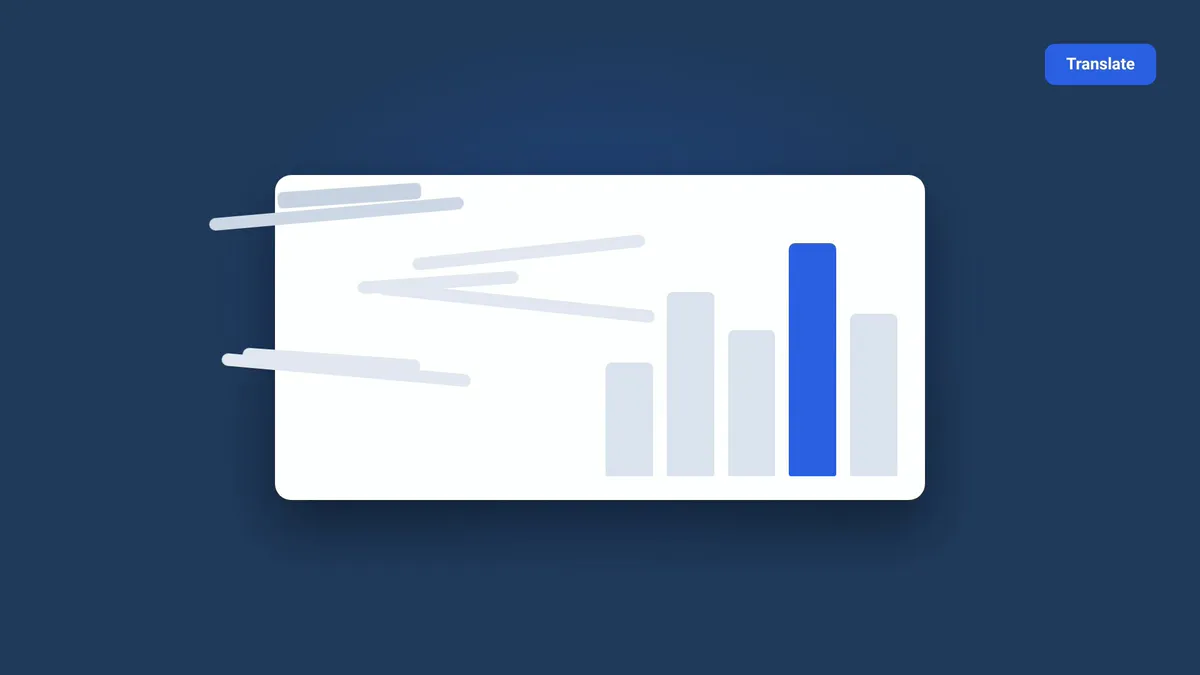
URL to video, starting from one sentence
They opened a Vividemo project and typed one line:
Make a video to explain the features of doc2lang.com
They didn't write a script, sketch a storyboard, or prepare any assets. Vividemo's URL to video AI doesn't turn a web page into a slideshow. It reads the site, plans a story, and produces a finished film, stopping for approval along the way.
An agency's work, with the founders in charge
Vividemo took on the jobs an agency team would split between several people. It read the doc2lang.com homepage, pricing page, and FAQ, captured the site, and measured the brand's navy and blue. It wrote the brief, proposed a creative direction, wrote the narration, designed and animated eleven shots from Doc2Lang's own copy and screenshots, generated an English voiceover, added a quiet music bed, and edited the film.
The founders stayed in charge of every creative decision. Vividemo stopped for their approval on the format and length, the direction, the narration script, and the shot plan with one finished sample shot. Each approval took a single reply. Comparisons with other translation services were treated as Doc2Lang's own claims and kept out of the script.
One round of feedback
After reviewing the produced shots, the founders asked for four changes: a real icon for each file format instead of a letter, real screenshots for the upload and payment steps, and more detail on how Doc2Lang handles customer data.
Vividemo captured the live upload area, demo panel, and pricing page, rebuilt those shots around them, and expanded the data shot with points taken from the site's own privacy wording. The founders approved the revised shots, and Vividemo assembled the final film.
The result
Doc2Lang now has an 89-second narrated explainer video at 1920 × 1080: the problem, the promise, proof for each file format, the real upload and pricing screens, the privacy commitments, and a closing call to action. Everything on screen comes from Doc2Lang's own site or is animated in its brand colors. No stock footage or AI-generated footage was used.
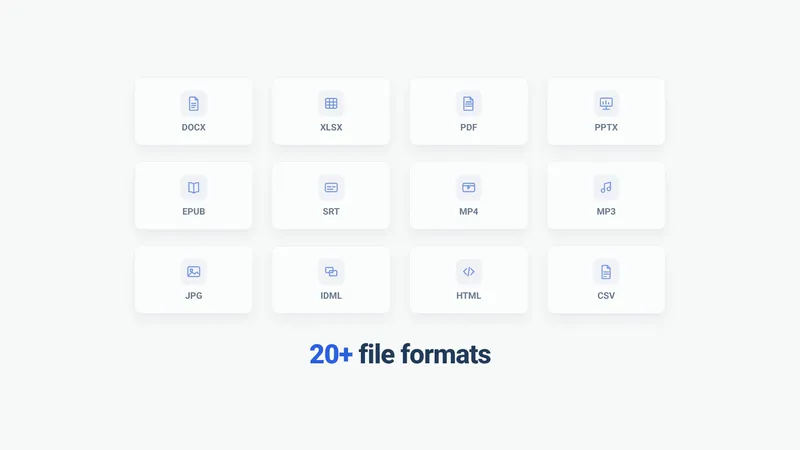 0:5120+ file formats, each with its own icon
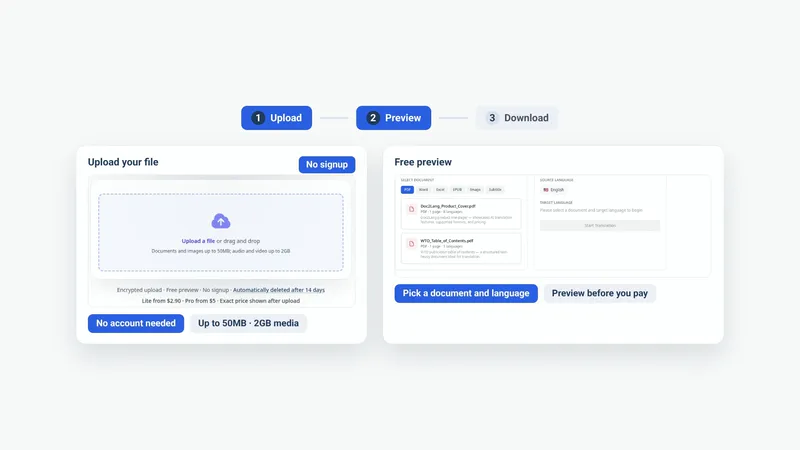 1:03The real upload and preview screens
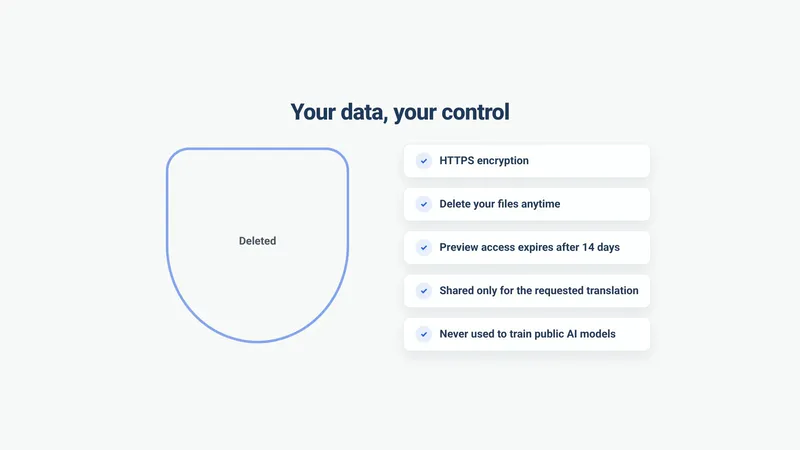 1:19The privacy commitments, in the site’s own words
Before delivery, Vividemo watched the whole film, checking every transition, the on-screen text at full resolution, and the audio for gaps or clipping. From the first sentence to the final file, the founders' part was five approvals and one round of feedback.
Product details reflect doc2lang.com in October 2026. Doc2Lang is a Vividemo customer; this story is shared with their permission.